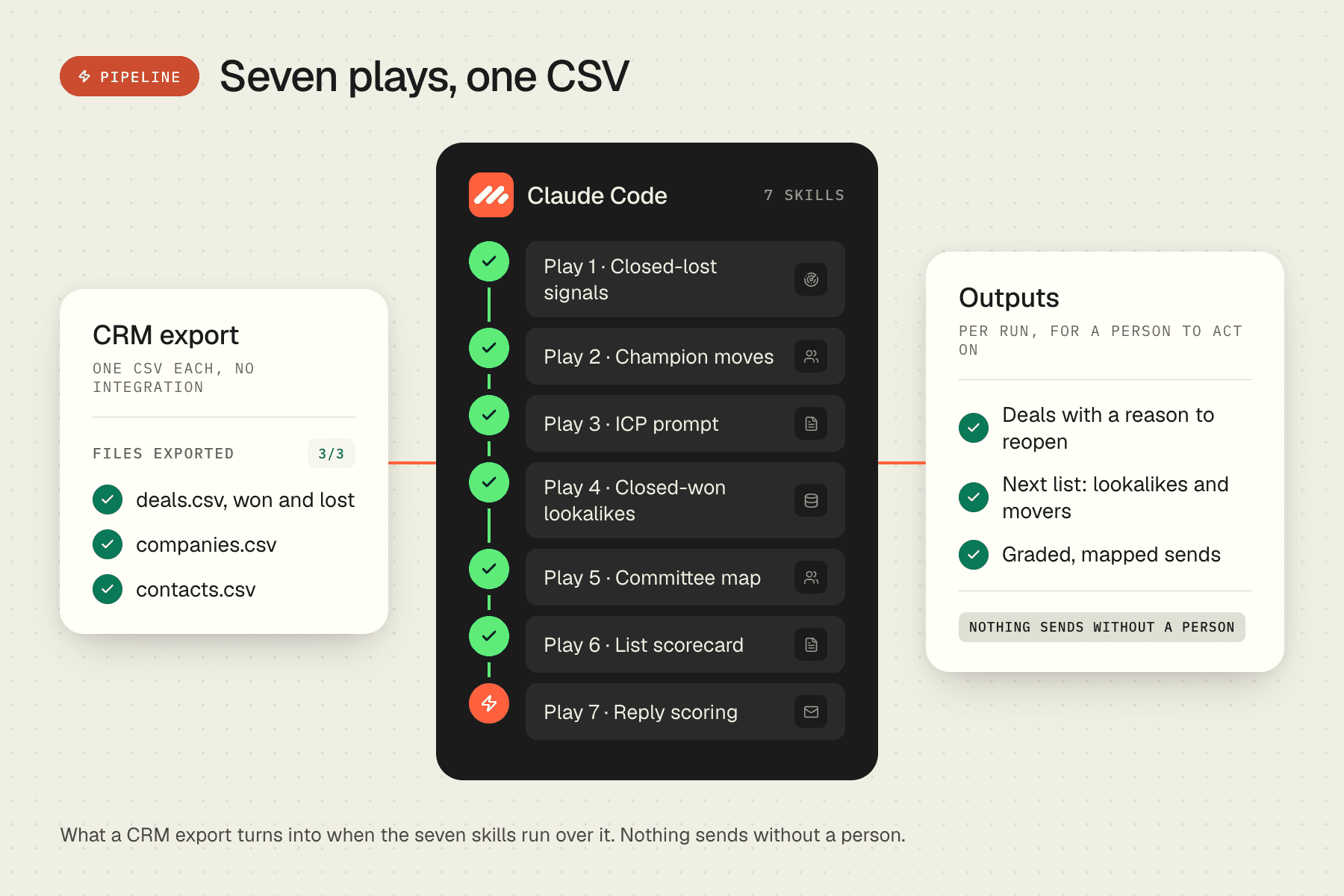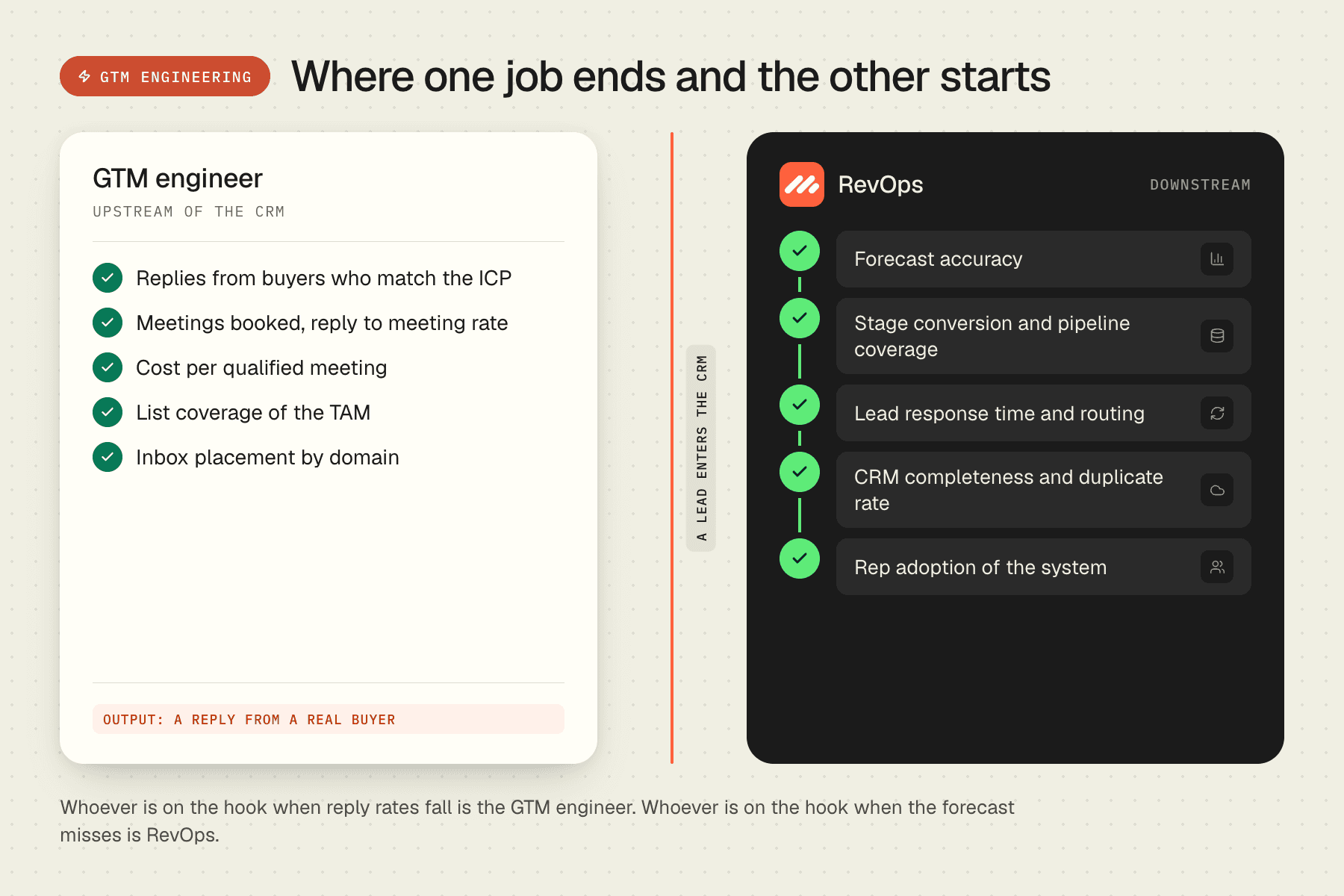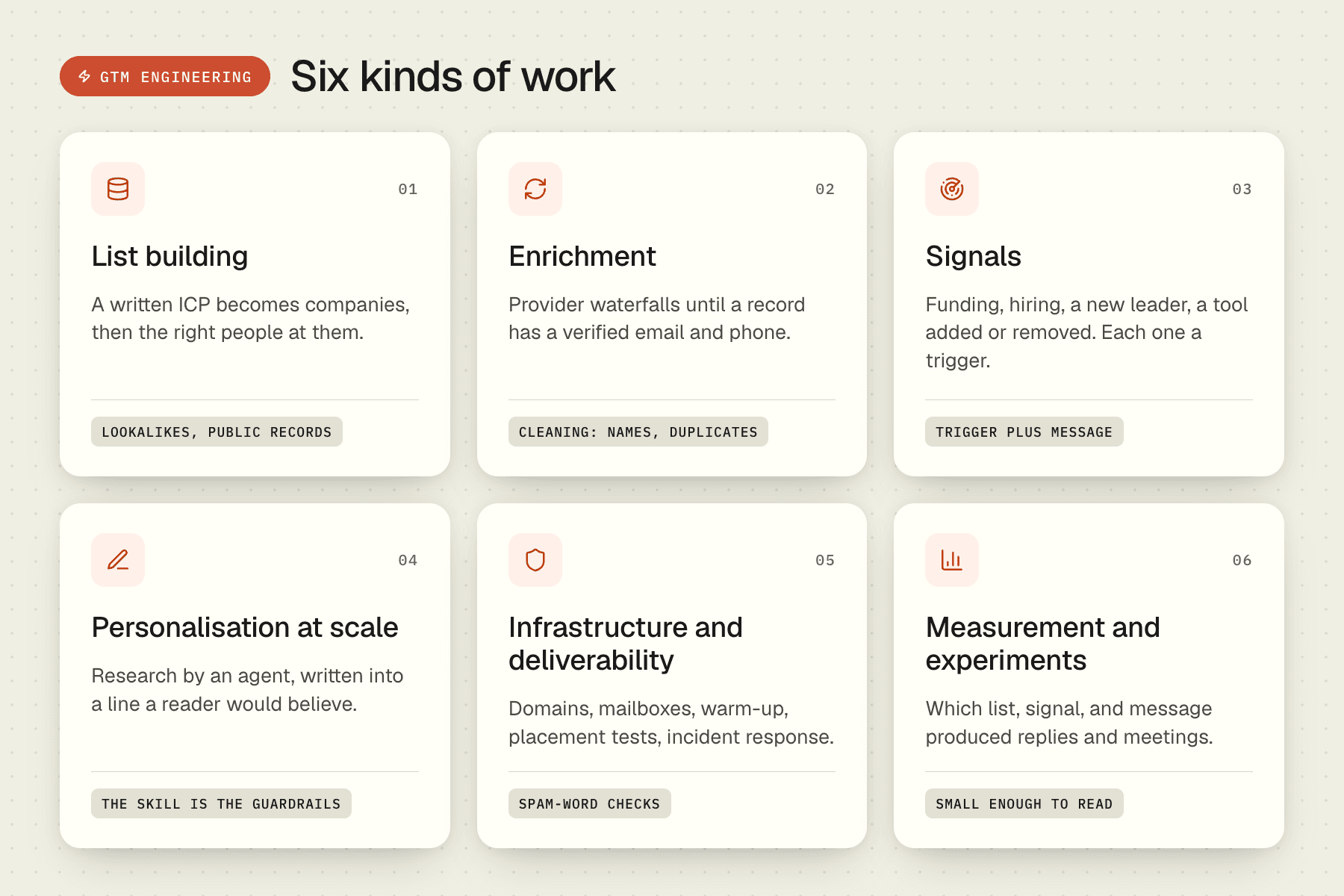
A Claude Code skill is one Markdown file. It tells the agent when a task applies, how to do it, which tools to call, and what to check before handing the work back. Claude Code loads it when your request matches the description at the top of the file. Codex and Cursor read the same format, so a skill written once runs in all three.
For go-to-market work this matters because most GTM tasks are repeatable. Building a list, verifying emails, writing a sequence, and reading reply data are the same steps every week. Written down as skills, they run the same way every time, and the person running them no longer has to remember the steps.
This article covers how skills work, which GTM skills to install first, how they differ from prompts and MCP servers, and how to write your own.
How Claude Code skills work
A skill lives in a folder with a file called SKILL.md. The file starts with a short header: a name and a one-line description of when to use it. The body is the procedure. It can reference scripts, templates, and reference documents in the same folder, so a skill can carry its own code.
Claude Code reads the descriptions of every installed skill at the start of a session. When a request matches one, it loads the full file and follows it. You do not call a skill by name unless you want to. You describe the job, and the matching skill does the rest.
Installing one takes a single command for a whole library, or a copy of one folder into .claude/skills/ for a single skill:
npx skills add automatewithuday/GTM-SkillsSkills bring their own instructions, not their own credentials. Any tool a skill calls still needs your API key in your environment.
Eight GTM skills to install first
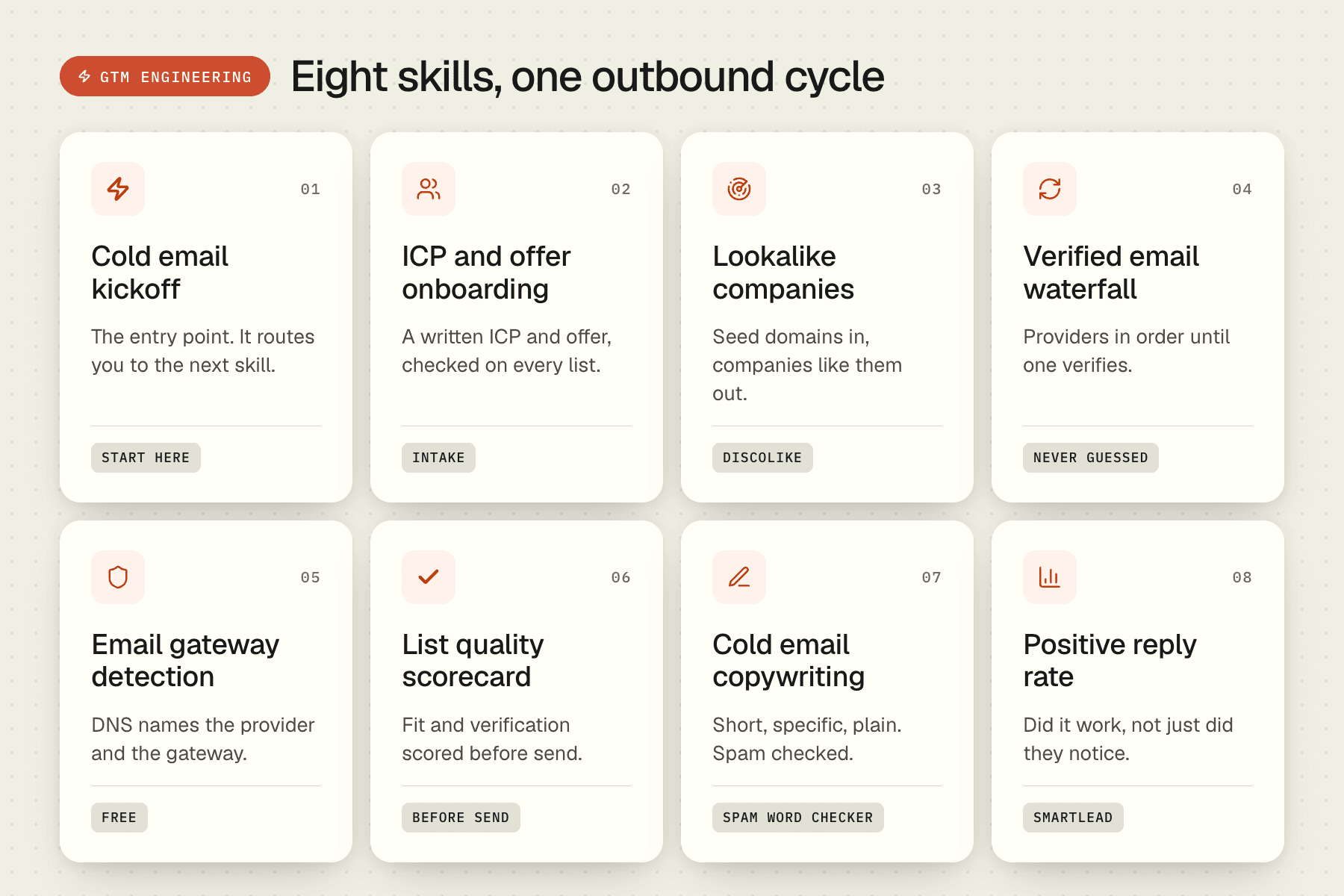
The library this site publishes has fifty-nine skills. These eight cover a complete cold outbound cycle, in the order the work happens. Each links to the full skill page, where the file is readable and downloadable.
- Cold email kickoff: start here. The entry point. It asks what you sell and to whom, then tells you which of the other skills to run next. Install this one first and let it route you.
- ICP and offer onboarding. A conversational intake that turns a business description into a written ideal customer profile and an offer statement. Every list and every email downstream is checked against this file.
- Lookalike companies with DiscoLike. Give it three to ten seed domains you already know are a fit. It returns companies that look like them, so the list starts from evidence rather than from a title filter.
- Verified email waterfall. For every row of a list, it tries email providers in order until one returns a verified work address, then stops. Rows that never verify are marked, not guessed.
- Email gateway detection. Reads DNS for each domain and reports the mailbox provider and any security gateway in front of it. The same information that data vendors charge for, taken from public records for free, so you can split sends by provider before anything goes out.
- List quality scorecard before send. Scores a finished list on fit, completeness, and verification before a single email is sent. A list of five thousand rows and a good list of five thousand rows are different things, and this is where you find out which one you have.
- B2B cold email copywriting, with Spam word checker running alongside. The first writes sequences to a set of rules that favour specific, short, plain messages. The second applies deliverability rules to every subject line and body before it is saved.
- Positive reply rate in Smartlead. Reply rate says people noticed. Positive reply rate says the message worked. This skill reads campaign data and reports the second number, broken down by list and copy variant, so the next week's changes are chosen on evidence.
Once those run cleanly, three more are worth adding. Clay signal playbooks index holds nineteen short playbooks for signal-based list work, from hiring surges to pricing-page changes. Per-lead personalization at scale is the pattern for generating one line per lead without letting the model wander. Cold email experiment design stops you changing list, copy, and offer at the same time and then not knowing which one moved the number.
Skill, prompt, or MCP server?
The three get confused because all of them change what the agent does. They do different jobs.
| What it is | Best for | Lives where | |
|---|---|---|---|
| Prompt | Instructions typed into one session | A one-off task | The conversation |
| Skill | A Markdown procedure the agent loads when the task matches | A repeatable workflow with steps and checks | A folder in your project or home directory |
| MCP server | A running program that exposes tools and data | Giving the agent access to a system: a CRM, a database, an email platform | A process the agent connects to |
A skill often calls tools that an MCP server provides. The skill is the method. The server is the access. Most GTM setups need both: a server for the sending platform and the data sources, and skills for the procedures that use them.
How to write your own GTM skill
The fastest way to learn the format is to read two or three of the skills above. After that, the method is short.
- Pick one job you do every week and could explain to a new hire in ten minutes. If it needs judgment you cannot write down, it is not ready to be a skill.
- Write the description line as the trigger. "Use when the user has a CSV of companies and needs verified emails" loads at the right moment. "Email helper" does not.
- Write the steps in order, with the inputs each one needs and the output it produces. Name the tool or script for each step.
- Add the checks. What does a correct result look like? What should stop the run? A skill without a checklist produces confident wrong output.
- Run it on a real task three times. Fix the file after each run. The third run should need no corrections.
Keep each skill to one job. A skill that does list building and copywriting and sending will match the wrong requests and skip steps. Three small skills chained by a kickoff skill work better than one large one.
Where this fits
The skills on this site are the procedures behind the outbound programs Martechs runs for clients. They are published under MIT so a GTM engineer, a founder, or a one-person sales team can run the same system without us. If you would rather have it run for you, with the data, the infrastructure, and the qualification handled, that is the Signal-Based Outbound service.